Backed by Wix
The way people discover has changed. Most websites haven't.
The way people discover has
The way people discover has
changed. Most websites haven't.
Most websites haven't.
changed.
Niso is a conversational visual experience platform that brings AI directly into your site. Visitors ask. Niso generates a real page in real time, in your brand, around what they actually want.

Niso turns AI conversations into dynamic visual experiences on your domain. No migration. No black-box assistant. Just your content, your components and your design system, assembled live around visitor intent.
Not a chatbot. Not a template. A real page, generated for every visitor.
Not a chatbot.
Not a chatbot.
Not a
Not a
template.
template.
A real page,
A real page,
generated for every
generated for every
visitor.
visitor.
Personalization tweaks a page. Niso generates the right one.
Personalization tweaks a page. Niso
Personalization tweaks a page. Niso
generates the right one.
generates the right one.
A chatbot bolted onto a page
A personalization rule swapping a headline
Generic AI wearing your brand colors
A text answer in a chat window
Today
The page itself becomes intelligent
A full experience assembled for that visitor
Your brand, your content, your design system, generated
A visual on-brand conversion-ready page
With Niso
01
Plugs into your stack
Niso runs on your domain alongside your existing site. Works with Shopify, Adobe Commerce, WordPress, WooCommerce, Magento, Wix or custom. Zero migration.

02
Trained on your content
Niso pulls exclusively from your verified product data, media and knowledge base. No hallucinated answers. No unbranded escapes.
03
Generates with your components
Pre-programmed React components from your design system get assembled on the fly. You get performance and control. The visitor gets a page that looks unmistakably yours.

04
Drives the next action
Every experience ends where it should: add to cart, book a call, capture a lead, compare options. Discovery turns into decision.

How it works
A visitor arrives. Niso reads intent, pulls from your verified content and assembles a real page in real time. Every component comes from your design system. No redirects. No platform changes.
Every brand looks different.
Every brand looks different.
That's the point.
That's the point.
Niso doesn't paint an AI skin over your site. It generates inside your design system using your colors, typography, imagery and voice. Every component is editable. What visitors see is entirely yours.
Supported verticals
Ecommerce
Retail
Lead gen
B2B content
Every brand looks different.
That's the point.


Built for sites where
Built for sites where
discovery is the bottleneck
discovery is the bottleneck
Niso is most powerful for businesses with large catalogs, deep content or complex visitor intent.

01
/
04
E-commerce product discovery
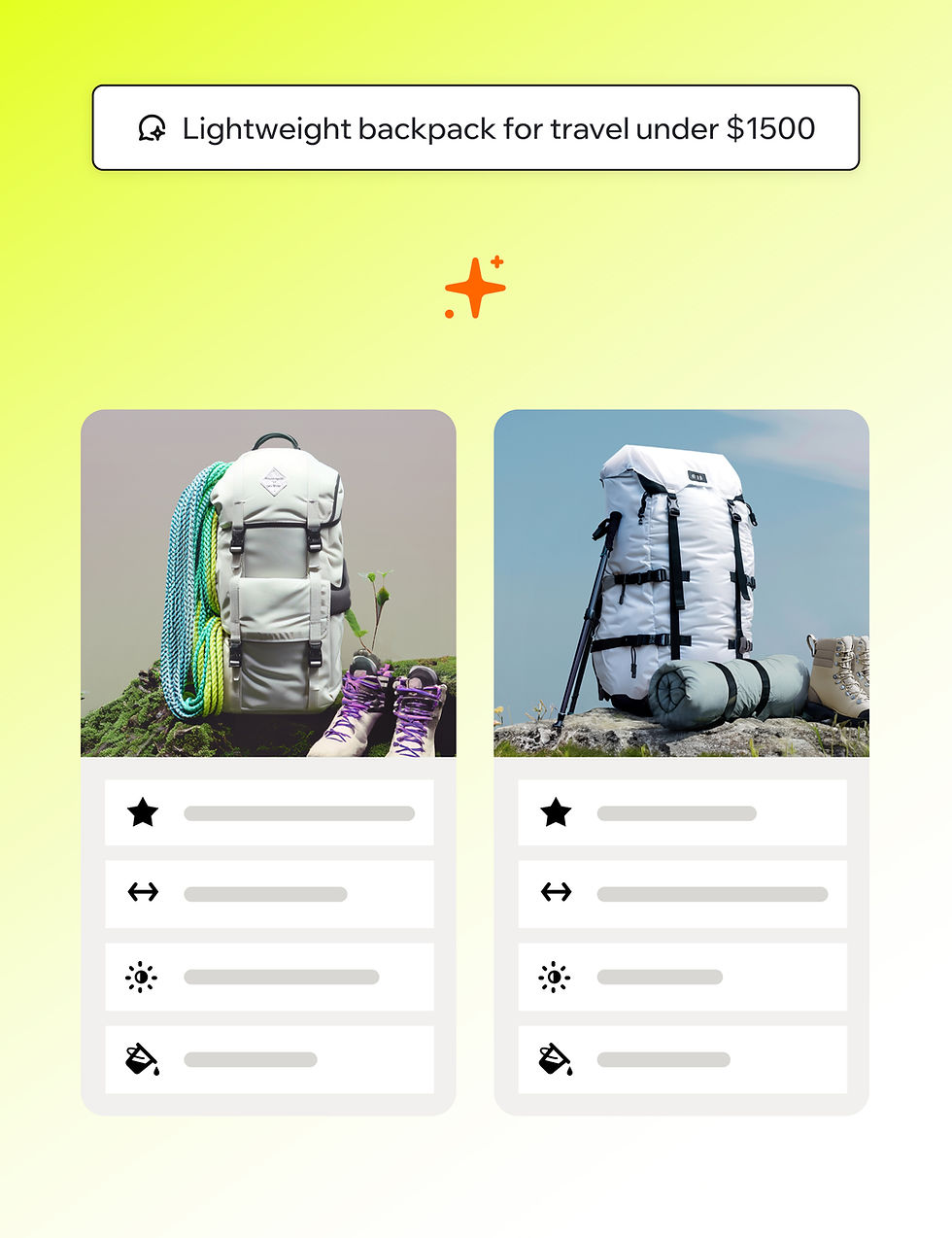
Large catalogs are a goldmine most visitors never reach. Niso guides every visitor to the right product and surfaces ones they didn't know to look for. Expect lift in conversion and average order value on high-intent flows.
02
/
04
Guided purchasing
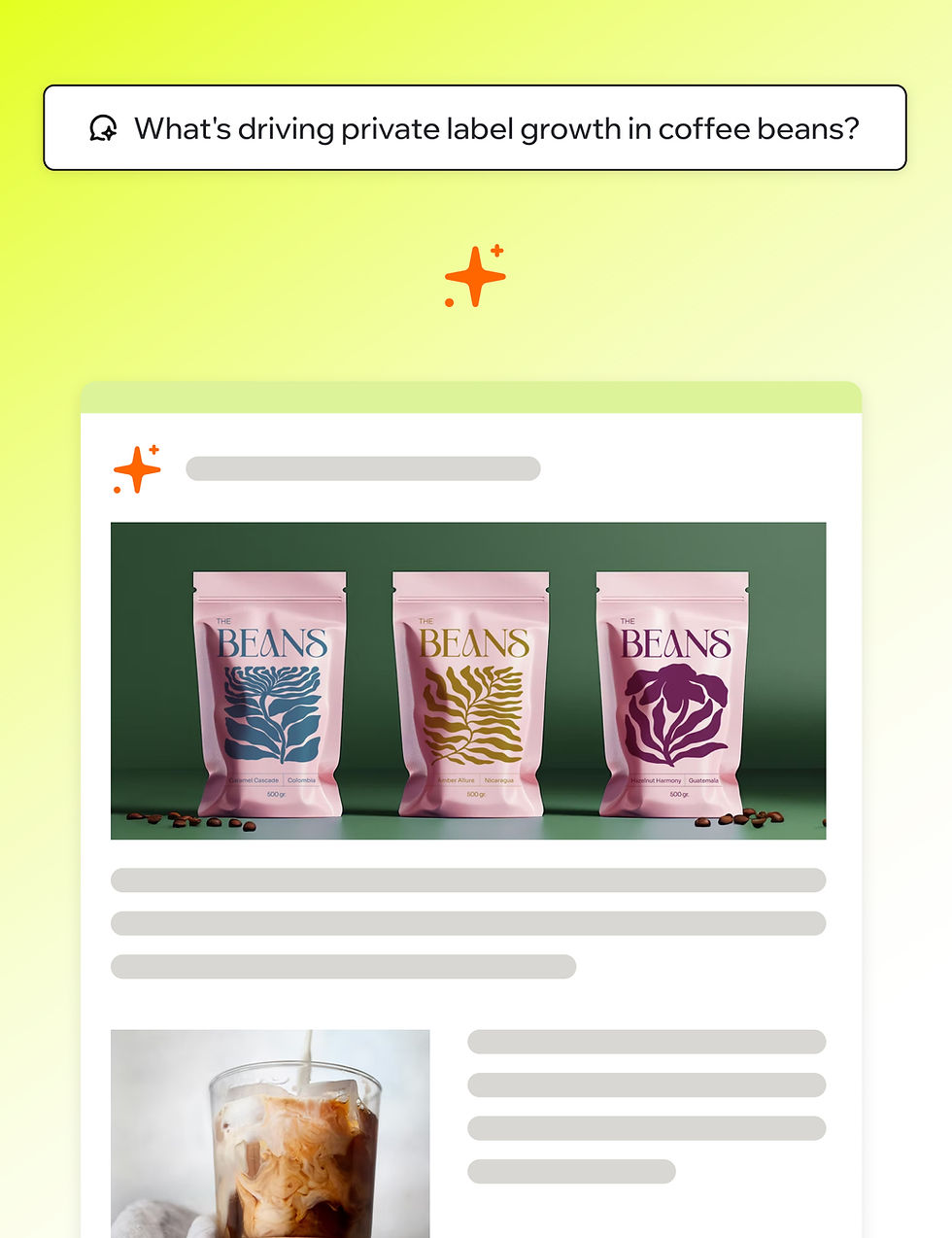
Customers describe what they need in their own words. Niso returns a relevant, branded set of options with the context to choose. Less friction, more confidence, fewer abandoned carts.
03
/
04
Lead generation for complex products
Reports, case studies, configurators, B2B propositions. Niso routes visitors to the right content and hands them to your team at the moment intent is highest.

04
/
04
Travel and trip planning
Open-ended planning questions become dynamic visual itineraries built from your inventory. Itineraries, packages, comparisons, all on-brand.
Works with the stack you already have
Shopify product catalog syncs automatically. Wix CMS connects natively. Other sources import via connector.
One script tag
One CLI
Any site
If your brand isn't the best AI interface for its own content, an external assistant will be.
If your brand isn't the best AI
If your brand isn't the best AI
interface for its own content,
interface for its own content,
an external assistant will be.
an external assistant will be.
The Problem
Large catalogs are a goldmine most visitors never reach. Niso guides every visitor to the right product and surfaces ones they didn't know to look for. Expect lift in conversion and average order value on high-intent flows.
The Solution
Niso is how you take that conversation back.
How it works
A visitor arrives. Niso reads intent, pulls from your verified content and assembles a real page in real time. Every component comes from your design system. No redirects. No platform changes.
01
It learns your visitors
Every conversation trains Niso on what content, components and actions convert for your audience.
02
It owns your brand UI
A component library tied to your design system isn't replaceable by a generic model.
03
It goes deeper than content
Real actions inside the conversation: checkout, lead capture, booking, CRM handoff.
04
It optimizes for revenue, not responses
Evaluated against your KPIs, not generic AI quality scores.
05
It's safer than open-ended AI
You control the data, the UI and the boundaries. No hallucinations escape your brand.
06
It fits every channel
Paid, organic, AI-sponsored, email. Every entry point is a Niso moment.
0
%
Buyers who can work through discovery on their own terms are 147% more likely to buy more than they originally planned.
Gartner
Most websites aren't built for that kind of exploration. Niso is.
Built for teams that own the experience
Built for teams that own the experience
Built for teams that own the experience
Your site. Reborn.
Book a 20-minute demo and see Niso running on a site like yours.